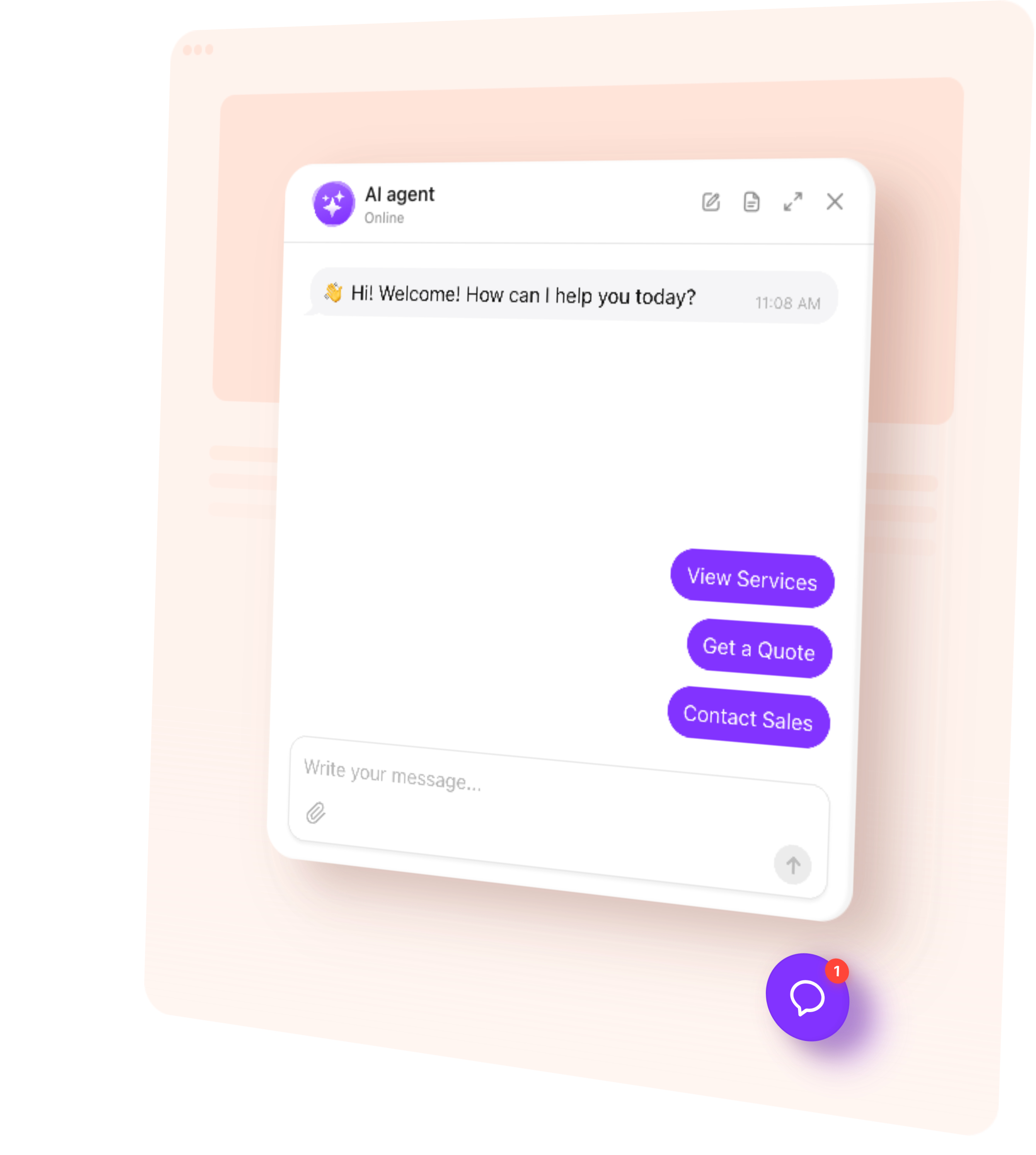
Add an AI Chatbot to your Wix website in a couple of minutes, without a Wix app install and without touching the editor structure.
It goes in as a custom code element or an embed, sits wherever you want it on the page, and picks up your site colours so it does not look bolted on. Everything it answers comes from your own Wix pages.
Try it on your own Wix site
Paste your website address and watch it build itself. It reads your pages, works out what your business does and drafts how it should speak — then you can ask it something about your own business and see what it says.
1. Choose template
2. Create AI agent
3. Add to website
How to add a chatbot to Wix
Five steps, no developer.
Create your agent from your website address, if you have not already
Copy the code snippet from your widget
Paste it into Custom Code under Settings, Advanced
Save, and publish if your platform needs it
Open your live site in a private window and check the launcher is there
The free plan works the same here as everywhere: no card at sign-up, no trial countdown, a monthly message allowance rather than a feature lock. You get the whole agent, every theme and all four skills.
It sits above your layout rather than inside it, so nothing in your Wix design shifts. It picks up your colours, fonts and corner radius, and there is custom CSS if you need it exact.
It does not slow the page down noticeably — the script loads after your content.
Create the agent from your website address, copy the code snippet, and paste it into Custom Code in your site settings. Save, publish if your platform needs it, then check your live site in a private window.
No. It sits above your layout rather than inside it, so nothing in your design shifts.
Yes, the same free plan as everywhere: no card at sign-up, no trial countdown, a monthly message allowance and every feature included. See the Free AI Chatbot page.
The script loads after your page content, so it does not hold up what visitors are reading.
Yes, and you can set the launcher position and offset separately for small screens, or hide it on mobile entirely.
From your own Wix pages, plus any files, question-and-answer pairs and text blocks you add. When it does not know something it says so and logs the gap for you.
You need to be able to publish the site and add custom code. Check your plan allows it.
The two usual reasons are an unpublished change, or the code set to load on one page rather than all pages.