
Skip to content
New

Your dashboard is here — every conversation, every lead it captured, and what people keep asking about.

Take a look →

AI Chatbot for Webflow

Add an AI Chatbot to your Webflow site as site-wide custom code. Takes your colours and fonts, and does not touch what you built in the designer.

Add an AI Chatbot to your Webflow website in minutes

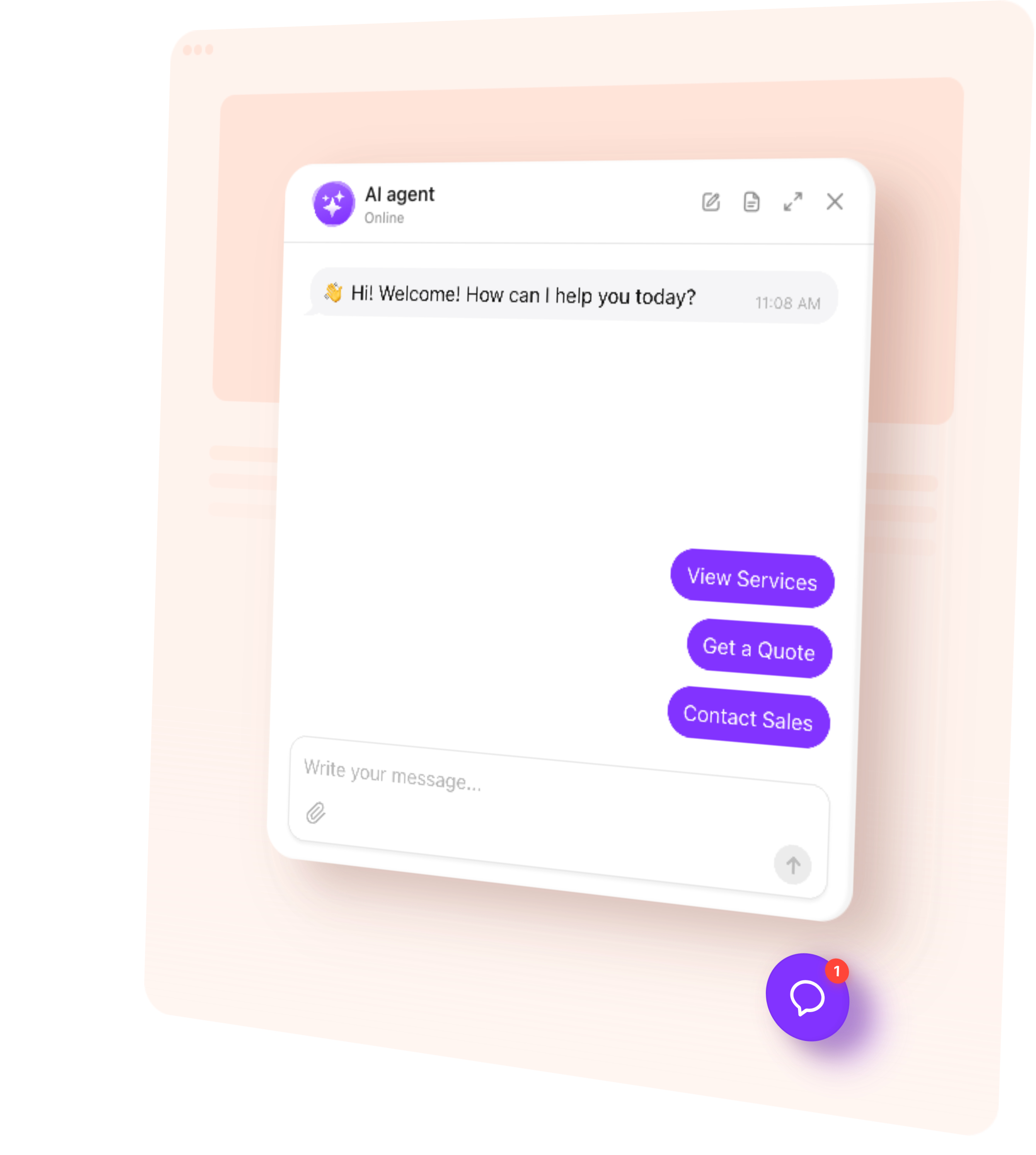
Add an AI Chatbot to your Webflow site without breaking anything you built in the designer.

It goes in as site-wide custom code, so it sits above your layout rather than inside it, and takes your colours, fonts and corner radius so it looks like part of the design. Custom CSS is there if you want it exact.

How to add a chatbot to Webflow

Five steps, no developer.

  • Create your agent from your website address, if you have not already
  • Copy the code snippet from your widget
  • Paste it into Project Settings, Custom Code, footer field
  • Save, and publish if your platform needs it
  • Open your live site in a private window and check the launcher is there

Full guide with screenshots

Free Webflow chatbot plan

The free plan works the same here as everywhere: no card at sign-up, no trial countdown, a monthly message allowance rather than a feature lock. You get the whole agent, every theme and all four skills.

What the free plan includes

Built for the Webflow editor

It sits above your layout rather than inside it, so nothing in your Webflow design shifts. It picks up your colours, fonts and corner radius, and there is custom CSS if you need it exact.

It does not slow the page down noticeably — the script loads after your content.

Try it on your own Webflow site

Paste your website address and watch it build itself. It reads your pages, works out what your business does and drafts how it should speak — then you can ask it something about your own business and see what it says.
  1. 1. Choose template
  2. 2. Create AI agent
  3. 3. Add to website

What the chatbot does on a Webflow site

The jobs people put it to on a Webflow site:

Webflow sites already using it

Same agent, their knowledge, their brand — live on real sites.

Trusted by teams on Webflow and beyond

Pricing

Free

50messages

$0/mo

Basic

300messages

$4/mo

Pro

1,000messages

$8/mo

Premium

3,000messages

$16/mo

Webflow chatbot questions

  • Does it work on this setup?

    Yes — install the widget, connect knowledge, and publish. Platform-specific steps stay in the guides.

  • What does it answer from?

    Your own site pages and the knowledge you upload — not a generic public model alone.

  • Can people still reach a human?

    Hand-off and lead capture skills send conversations to your inbox when you want them.

FAQ