
It should look like your site, not like a chatbot
A chat widget that does not match the site it is on looks like something bolted to the page, and people treat it that way.
This one is meant to disappear into your design. Six themes to start from, then control over almost every surface — and custom CSS if you want it precise.
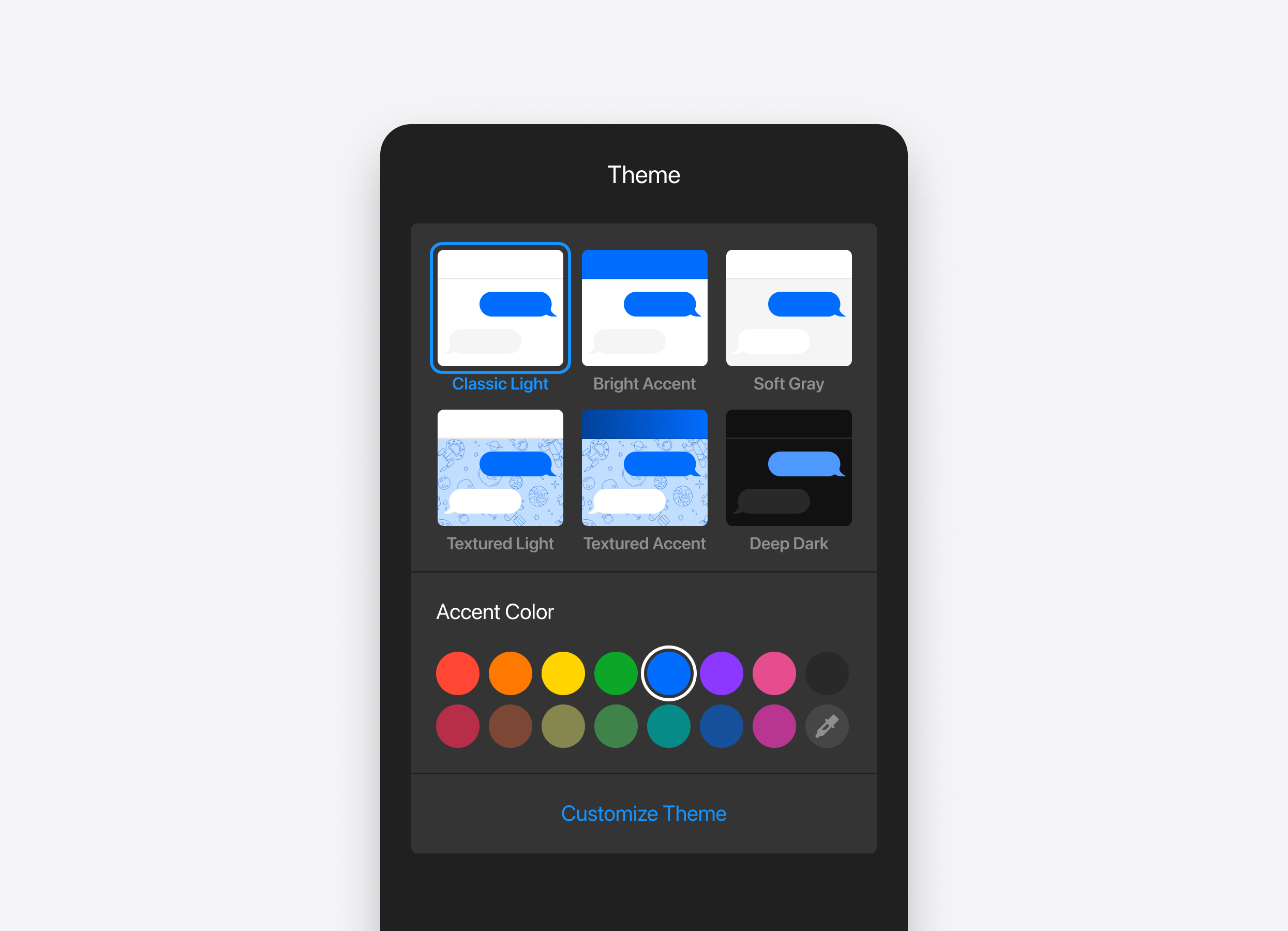
Theme
Six presets, each with its own accent palette: Light, Light Accent, Light Soft, Pattern Light, Pattern Accent and Dark.
Pick the closest one and adjust from there, or start from a preset and change everything.
Placement and layout
The parts you can control:
- Launcher — colours, size, the bubble icon, and the colours of the greeting and suggested questions
- Header — background, text, avatar and the online indicator
- Chat window — background as a colour, an image or a pattern; separate colours for agent, visitor and system messages; corner radius
- Message field — background, text, focus border, send button, attachment icon
- Footer — text colour, and your own footer wording
- Font — your own
On desktop the floating window can be resized and moved.
When it appears
Four ways the chat can be opened, depending on how much attention you want it to draw:
- Button — a plain icon bubble
- Text button — a labelled button
- Quick input — a small message field sitting on the page
- Agent profile — an avatar-style launcher
It can sit bottom left, bottom right or bottom centre, with an offset you set. Or drop the chat inline into a page area instead of floating it, at whatever width and height suits the layout.