
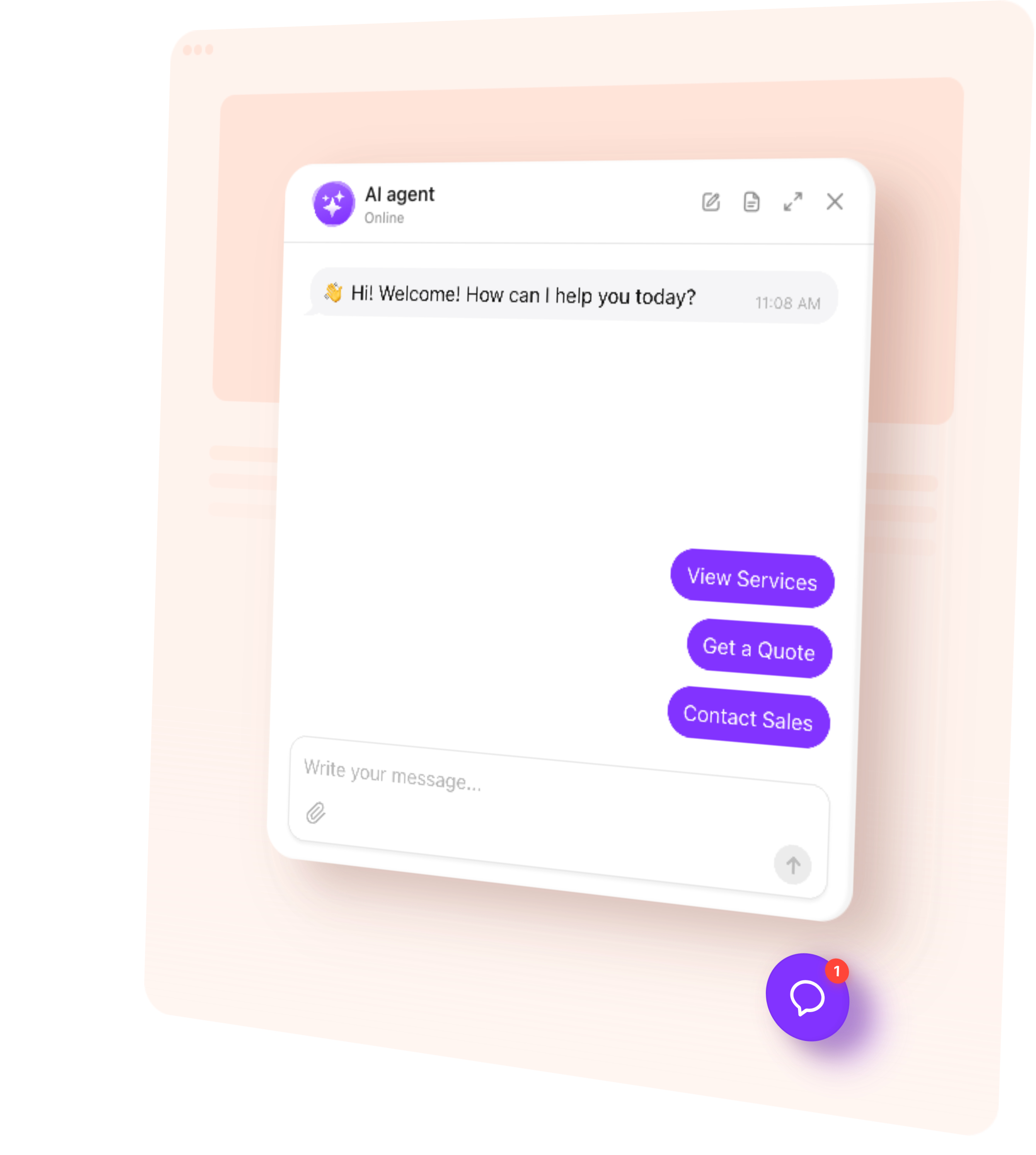
Add an AI Chatbot to your Elementor website in minutes
Add an AI Chatbot to a WordPress site built with Elementor, without dropping a widget into every template.
It is added once site-wide and appears on every page, so you do not touch your Elementor layouts at all. It works alongside whatever else you have running — popups, forms, sticky headers.
How to add a chatbot to Elementor
Five steps, no developer.
- Create your agent from your website address, if you have not already
- Copy the code snippet from your widget
- Paste it into a code snippet plugin, site-wide
- Save, and publish if your platform needs it
- Open your live site in a private window and check the launcher is there
Free Elementor chatbot plan
The free plan works the same here as everywhere: no card at sign-up, no trial countdown, a monthly message allowance rather than a feature lock. You get the whole agent, every theme and all four skills.
Built for the Elementor editor
It sits above your layout rather than inside it, so nothing in your Elementor design shifts. It picks up your colours, fonts and corner radius, and there is custom CSS if you need it exact.
It does not slow the page down noticeably — the script loads after your content.