
Skip to content
New

Your dashboard is here — every conversation, every lead it captured, and what people keep asking about.

Take a look →

Best WordPress chatbot plugins

We tested the main WordPress chatbot plugins on the same site with the same questions. Setup time, real cost, and how each behaves when it does not know.

How we picked

We make one of the plugins on this list, so read it with that in mind. Here is how we tried to keep it useful anyway.

Everything here was installed on a test WordPress site and asked the same set of questions. We looked at how long setup took, whether it needed a developer, what it costs at a realistic volume, how it behaves when it does not know something, and how much control you have over the way it looks.

Where another plugin is better than ours for a particular situation, we say so.

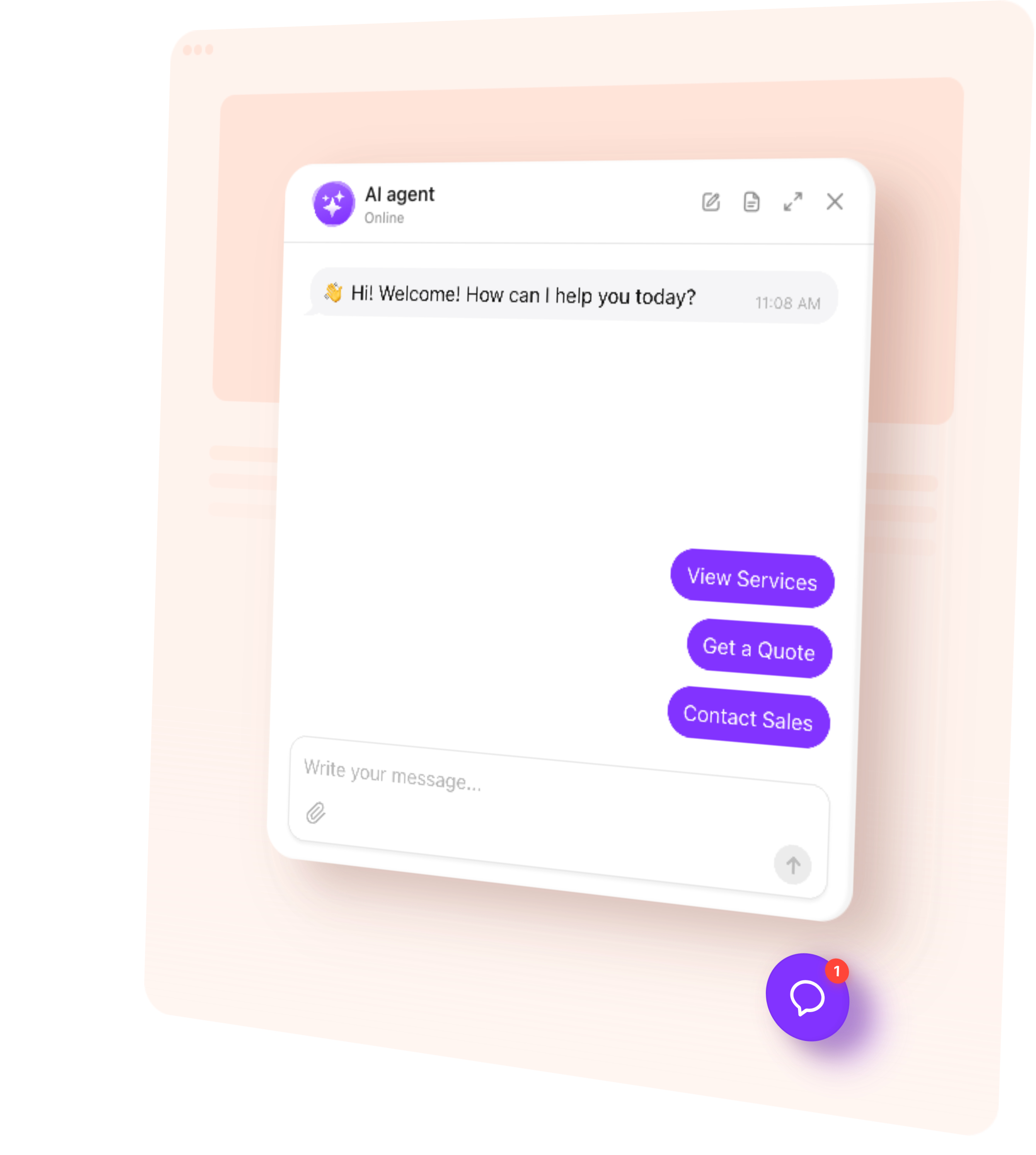
Our own WordPress page, for comparison

Quick comparison

A table across all the plugins: what it costs at a realistic volume, whether it needs a developer, how long setup took us, whether it trains on your site automatically, and what it does when it cannot answer.

Try it on your own website

Paste your website address and watch it build itself. It reads your pages, works out what your business does and drafts how it should speak — then you can ask it something about your own business and see what it says.
  1. 1. Choose template
  2. 2. Create AI agent
  3. 3. Add to website

Which one should you pick

Short version, by situation:

  • Nobody on your side will answer chats: something that finishes conversations on its own
  • You have staff on live chat: a support platform with a shared inbox
  • You want no AI at all: the older rules-based free plugins still do this well
  • You are building something custom: a developer-first tool with a proper API

FAQ