
It reads your site on its own
You do not upload a knowledge base to get started. You give it your address and it reads the site.
It works through your pages — up to 200 of them — and pulls out what matters: what you sell, what it costs, where you are, what your policies say. That is usually enough to start answering.
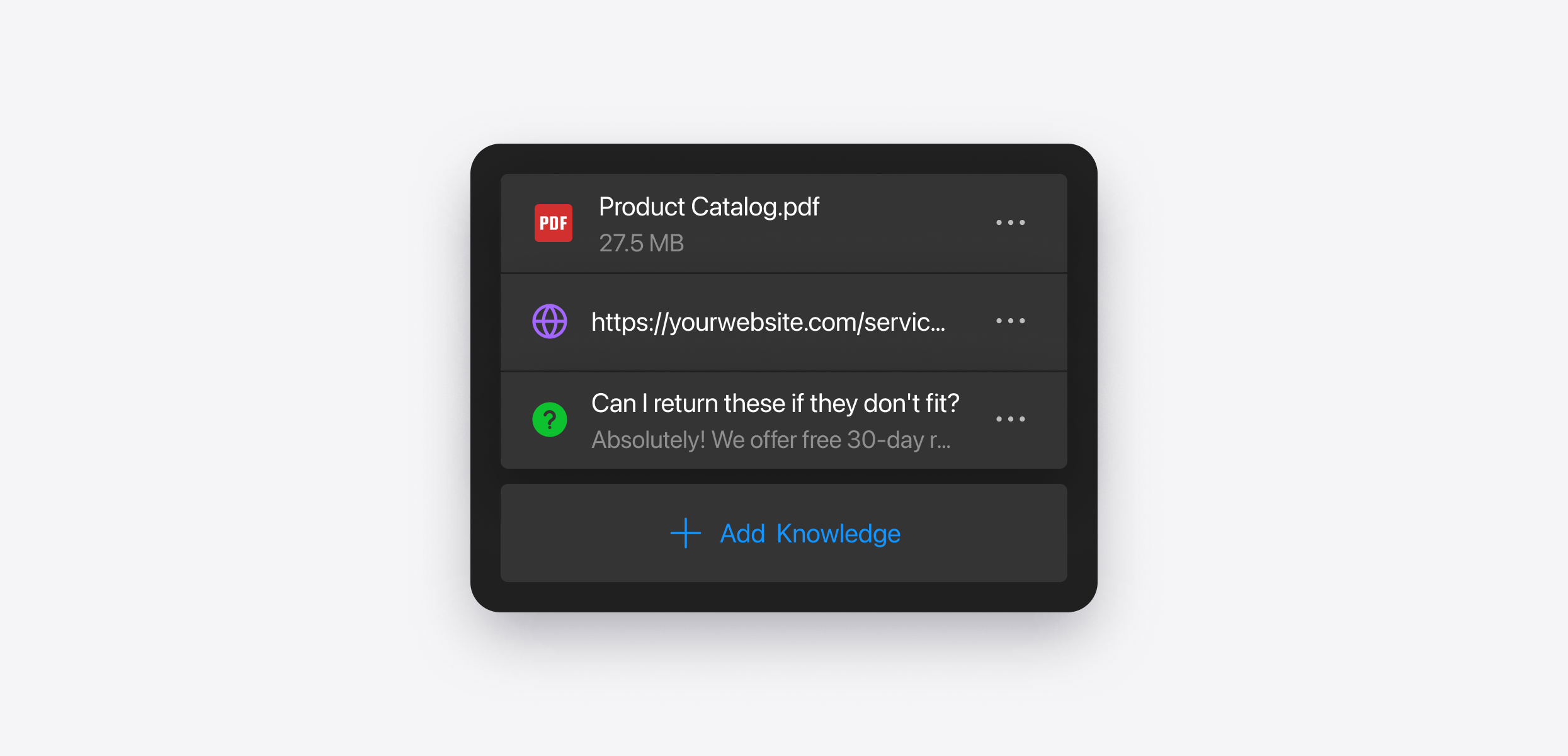
Everything it collected is listed for you, with the status of each source, so you can see exactly what it has learned and retrain anything that has changed.
Every source it can learn from
After the site, you can give it anything else it should know.
- Web pages — any URL, not only your own
- Files — PDF, DOCX, PPTX, TXT, MD, HTML, JSON
- Images — with a short description, used when a question relates to them
- Questions and answers — for anything you want handled a particular way
- Text blocks — free text for things that are not written down anywhere yet
- Business information — your name, industry and a short overview
There is a search across everything it has learned, so you can check what it knows about a topic before a customer asks.
It answers from your content — nothing invented
The agent answers from your content. It is not writing from general knowledge about your industry, and it is not filling gaps with something plausible.
If your price list says 120, it says 120. If your site does not mention weekend availability, it does not decide that you are open on Saturdays.
This is the single most common worry people have about putting an AI Chatbot on their own website, and it is worth being plain about: the boundary is your knowledge base.
When it does not know, it asks you
When it cannot answer, that is recorded rather than lost.
You get a list of the questions it could not handle, each with the conversation it came from, so you can see what the person was actually trying to find out. Add the missing information from any source type, and mark it resolved — or ignore it, if it was not a real question.
This is the part that makes an unattended chatbot safe to leave alone. It is not that it never runs out of knowledge. It is that it tells you when it did.