
It writes its own profile first
Before you touch anything, the profile is already written.
The agent has read your website and filled in who it is, what it is there for, how it should sound and how long its answers should be. A greeting is drafted. So are a few suggested questions for visitors who do not know where to start.
What you do next is review, not build.
Role
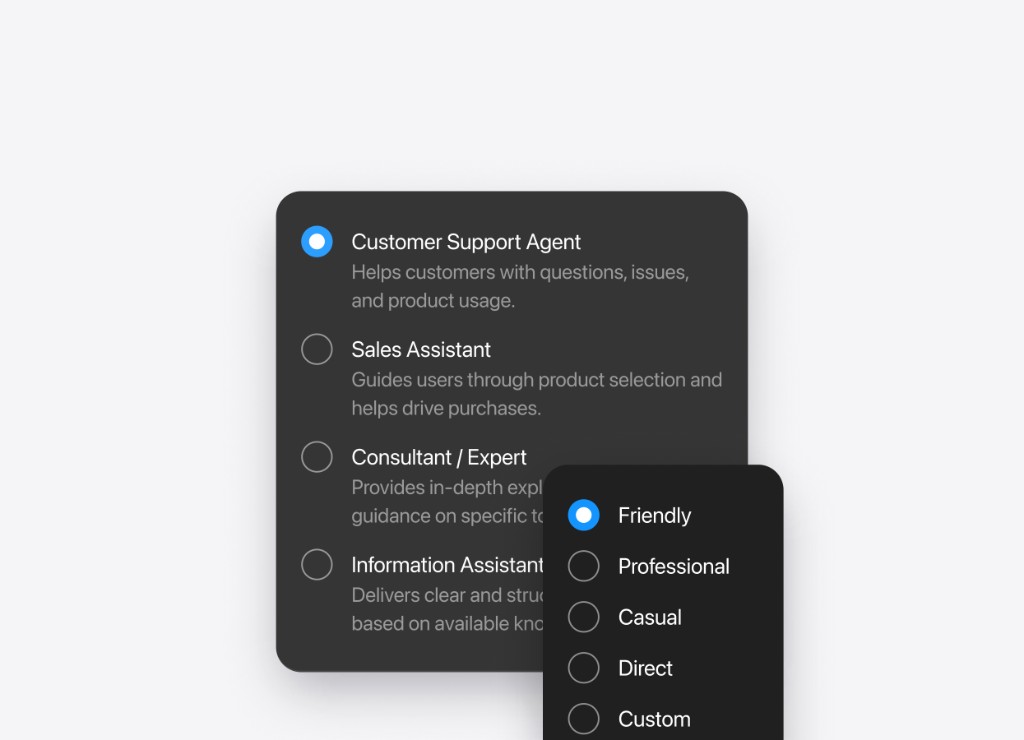
The role is a plain-language description of the job.
Not a category from a dropdown — a sentence or two saying what this agent covers and what it does not. "You are the receptionist for a hair salon in Bristol. You answer questions about treatments, prices, availability and how to find us."
Change it whenever the business changes. It is a text field.
Tone of voice
Tone is Friendly, Professional, Casual, Direct, or your own written instructions.
Answer length is short, medium or long. Short suits a shop where people want a number. Long suits a service where the answer needs context.
The clearest way to see the difference is to ask the same question twice with the tone changed, and read both replies.
Conversation rules
Rules are how you teach it the things that are not written anywhere on your site.
You write them as sentences, the way you would brief someone on their first week:
- Always mention that the first consultation is free
- Never quote a price for bespoke work, take their details instead
- If someone is unhappy, apologise once and offer to put them in touch with me
- Do not discuss competitors
The agent works out when each one applies. You are not drawing a flowchart, you are explaining the job.