
What customers ask schools and education — and when
Parents and students ask the same questions every intake: what are the entry requirements, when do applications close, what does it cost, is there a bus, can we visit.
Most of it is on the website. They ask anyway, because finding it is harder than asking.
It answers all of it from your own pages
The chatbot answers from your own pages and prospectus files, at the hours families are actually free to look.
Because you can see which page each question came from, you also learn which parts of the site nobody can navigate.
A real conversation
The clearest way to judge this is to read one.
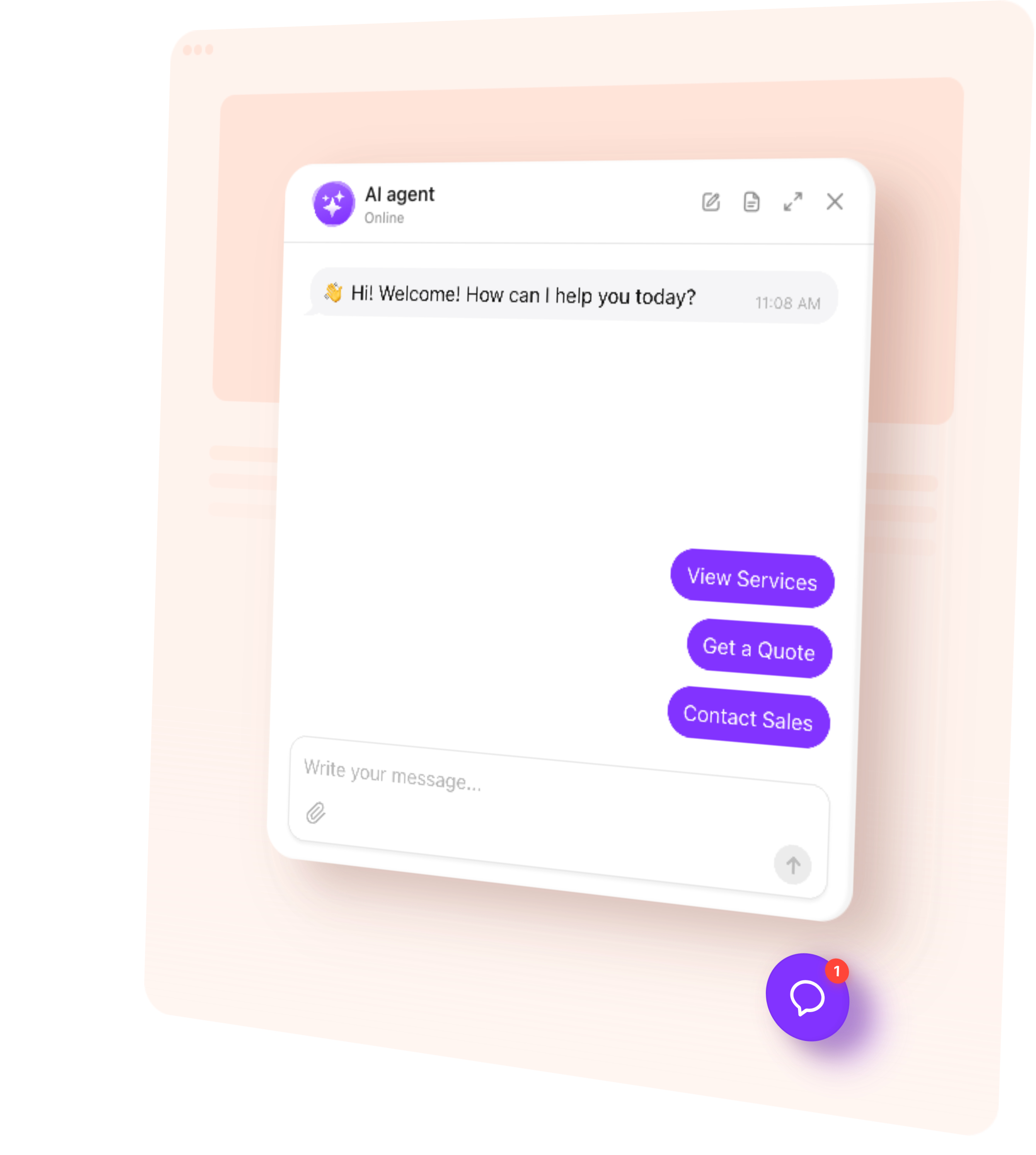
Show a full conversation from start to finish: a parent looking at deadlines on a Sunday, the agent answering from your own pages, and the visitor leaving a contact or tapping through to the next step.
Everything in it comes from content you already published. Nothing is invented.
Booking, quotes and leads
Beyond answering, the agent can:
- Ask for a name and number at the point you choose
- Put a button in the chat to your booking page, WhatsApp or a phone call
- Offer your contact card to anyone who wants a person
- Send one follow-up if somebody goes quiet
Set up in an evening
Paste your website address. The agent reads your pages, works out that it is dealing with a school and what it should know about entry requirements and open days, and drafts how it should speak.
You review it, adjust the wording, add a few rules, and paste the code into your site.
Other schools and education using it
Named owners in the same trade, with what changed for them. Not logos.